
How to Download Telegram in English: A Complete Guide
Telegram is a globally popular messaging app renowned for its speed, security, and cloud-based features. If you're looking to download Telegram and set its interface to English, this step-by-step guide will walk you through the process on all major platforms.
The first step is to access the official Telegram website or your device's legitimate app store. It's crucial to avoid third-party download sites to ensure you get the authentic, secure version of the app. Telegram is completely free to download and use.
Downloading on iOS (iPhone & iPad)
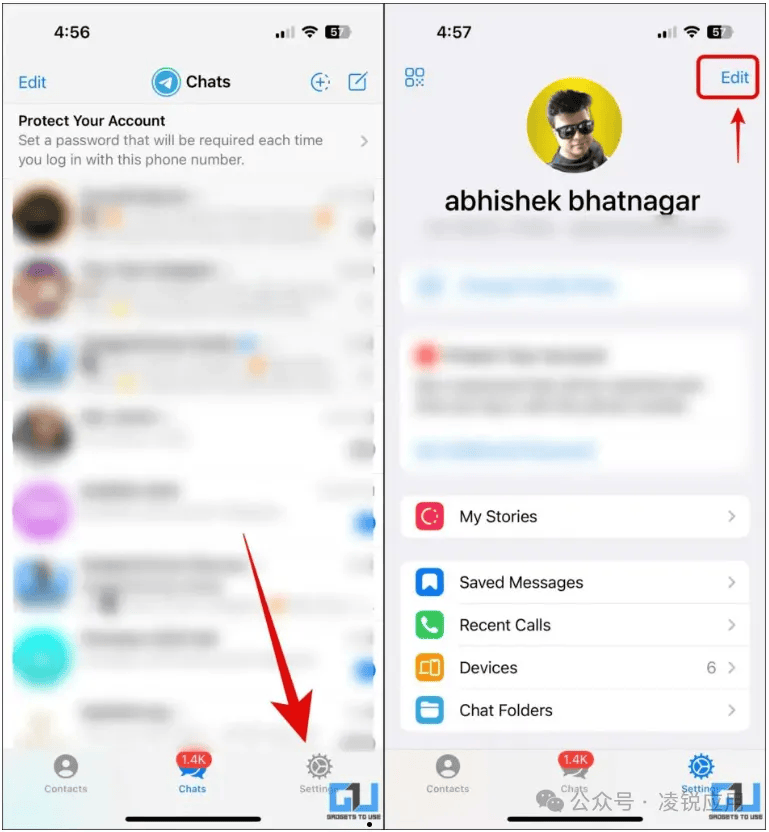
For Apple users, open the **App Store** on your device. Tap the search icon and type "Telegram." Look for the official app by "Telegram FZ-LLC." Tap the "Get" button to download and install it. Once installed, open the app. If your device language is set to English, Telegram will likely launch in English automatically. If not, you can change it within the app by going to **Settings > Language** and selecting "English."
Downloading on Android Devices
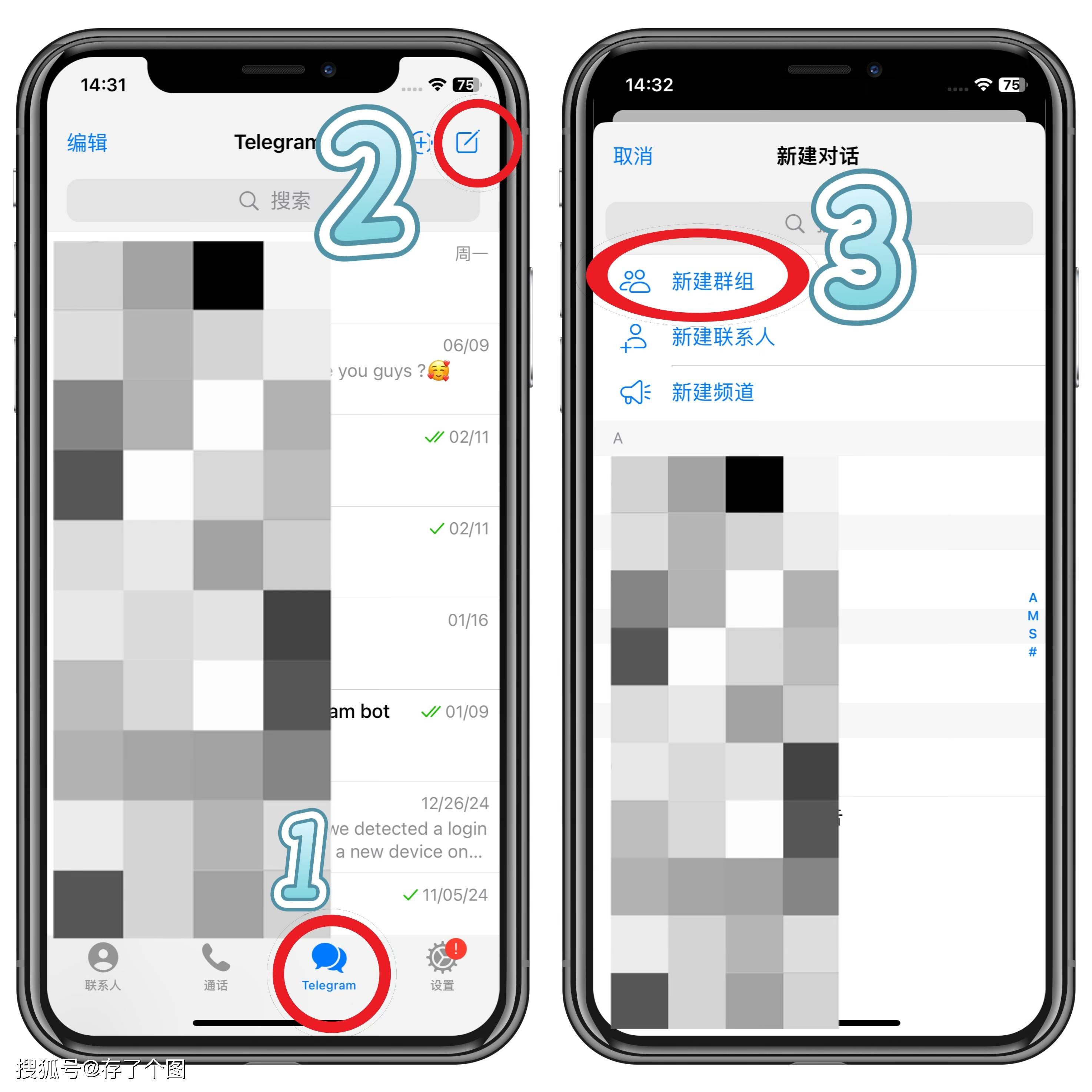 On Android, open the **Google Play Store**, search for "Telegram," and select the official app from "Telegram FZ-LLC." Tap "Install." After installation, open Telegram. Similar to iOS, if your phone's system language is English, the app will default to it. To manually set it, tap the menu (three lines) in the top-left, go to **Settings > Language**, and choose "English" from the extensive list.
Using the Desktop Version (Windows & macOS)
For desktop users, visit the official Telegram website (**telegram.org**) directly from your computer browser. You will find clear download options for **Telegram for macOS** and **Telegram for Windows**. Download the appropriate installer, run it, and follow the setup instructions. Upon launching the desktop app, you can set the language by clicking on **Settings > Language** in the left-hand menu.
Using Telegram Web
If you prefer not to install any software, you can use **Telegram Web**. Simply go to **web.telegram.org** in your browser (like Chrome or Safari). The interface will be in English if your browser's language is set to English. You can scan the QR code with your mobile Telegram app to log in instantly.
In conclusion, downloading Telegram in English is a straightforward process across all devices. Always remember to download from official sources to protect your privacy and security. Once set up, you can enjoy fast, encrypted messaging, powerful group chats, and a vast array of channels and bots—all in the English interface.

发布时间: 2026-03-28 05:22:02